
Submit a Jackson County Senior Quad Payment on myJacksonCounty
Jackson County’s Senior Citizen Quad Payment Program lets eligible seniors split their real estate tax bill into four equal payments. Through myJacksonCounty, you can pay a single installment or multiple installments at once—and even submit a partial payment now and schedule the rest for later.
To get started, login (see Create a Profile on myJacksonCounty) and link your property (see Add a Property on myJacksonCounty) then follow the steps below:
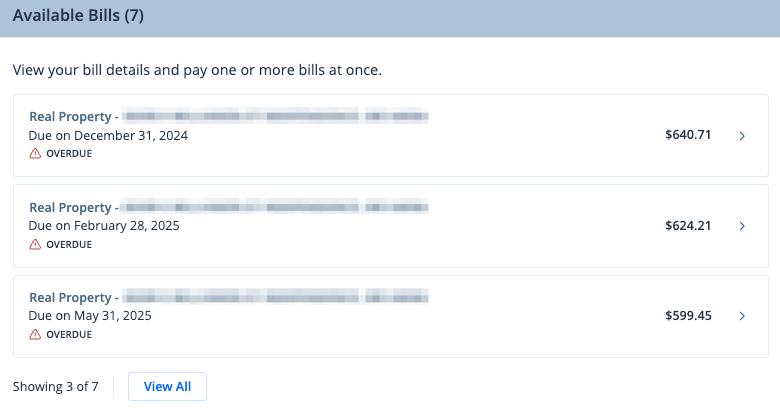
- Select the installment(s) you wish to pay
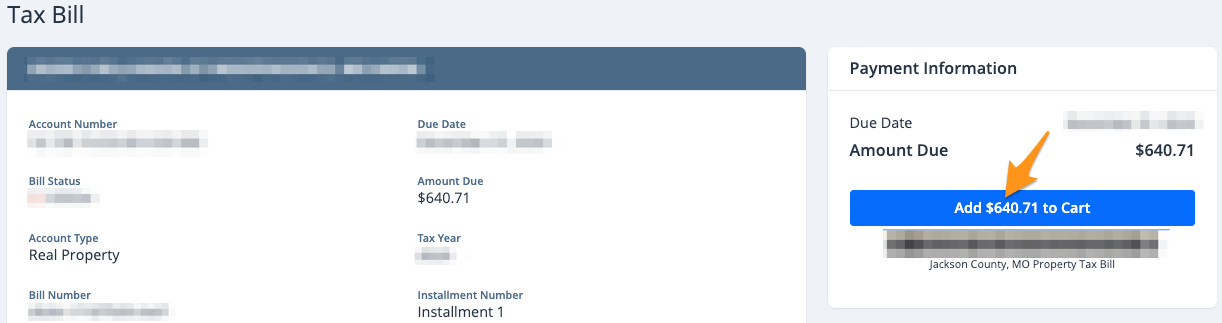
- Click Add $--.-- to Cart
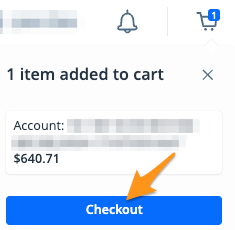
- On the cart notification, click Checkout
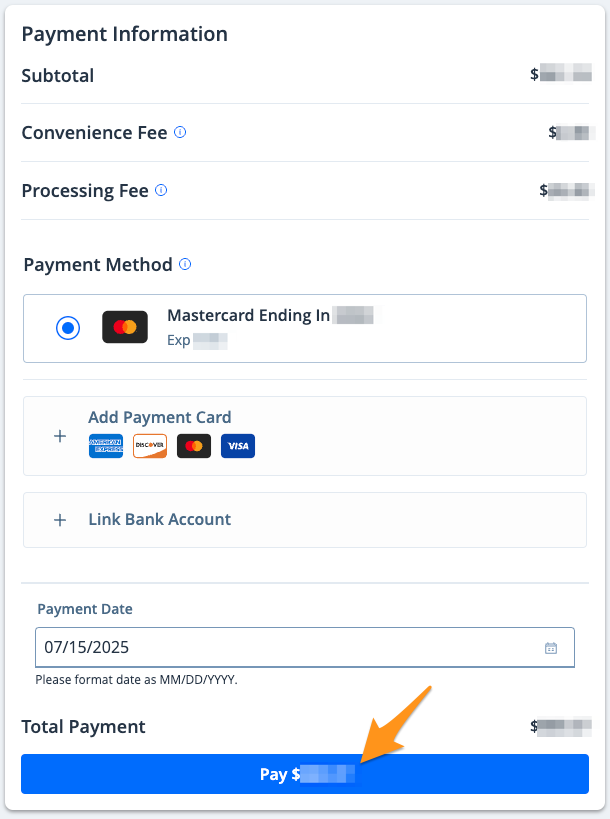
- Select a payment method and click the blue Pay $--.-- button to complete your payment
After completing your payment, you will receive an email confirmation. If you are signed into your myJacksonCounty profile, a receipt will also be stored in the "Payment History" section of your profile (seeFind a Receipt on myJacksonCounty).